

Are you tired of watching your students frantically copy down everything you say during class, only for it to end up being useless when it’s time to study?
You’re not alone.
That’s why I swear by one teaching strategy that has completely transformed the way my students learn: annotation.
Let me tell you—it’s a game-changer.
I model this strategy every. single. class. because IT WORKS!
My students leave my class knowing how to take notes that actually matter. In fact, many of them come back after graduation to tell me how much annotation helped them in university.
Let me walk you through why this strategy works, how I use it in my classroom, and how it can transform your teaching too.
WHAt is annotation?
Annotation isn’t just about taking notes—it’s about learning how to process and prioritize information. Students don’t just write; they think first.
Here’s what it teaches them to do:
✅ Identify key information
✅ Summarize and simplify concepts
✅ Organize ideas into meaningful, digestible notes
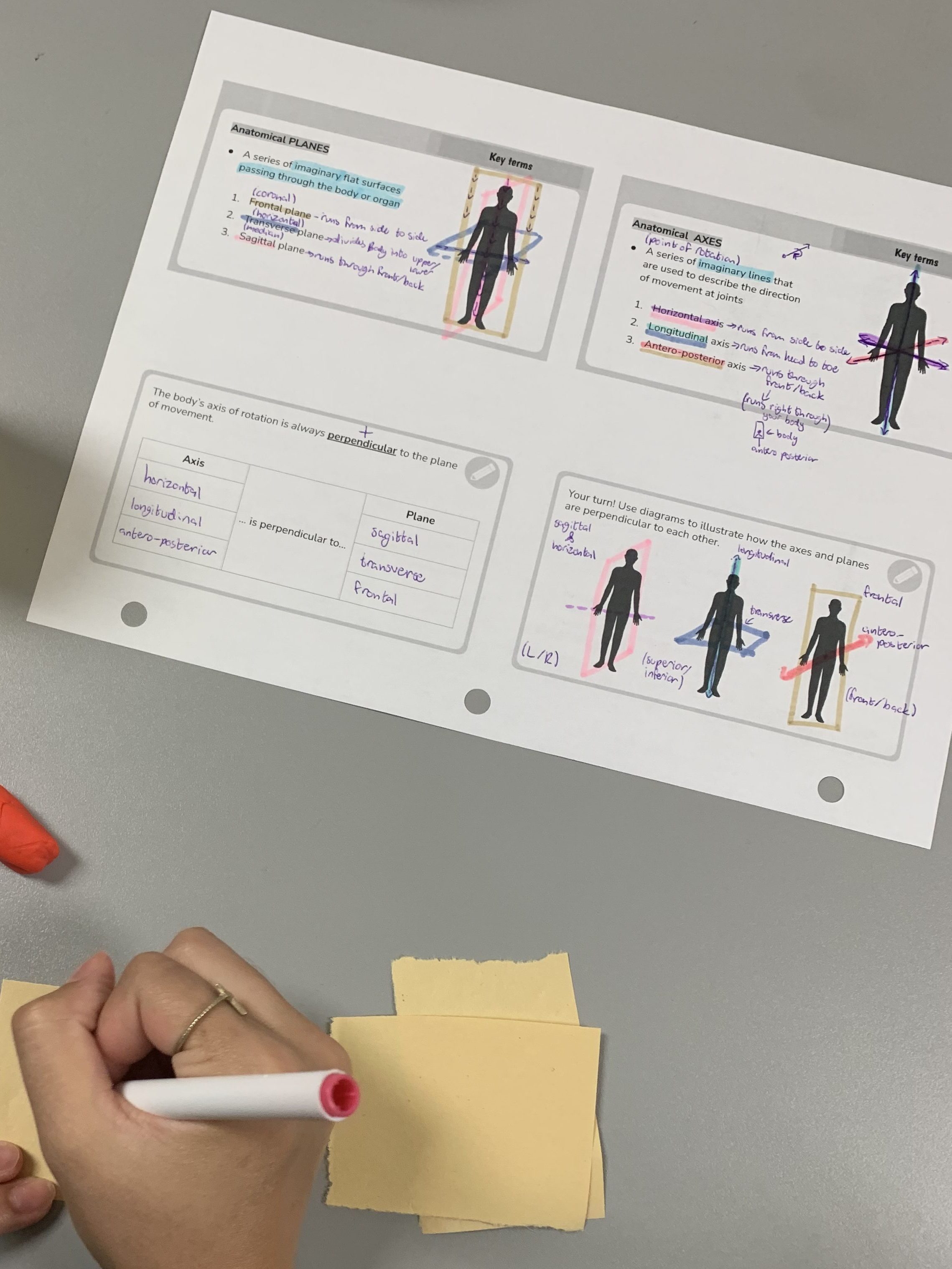
And the best part? Annotation builds life-long skills. Whether they’re studying for an exam, giving a presentation, or tackling a big project, this method sets them up for success.
how i teach annotation in my classroom
This is how it works:
1️⃣ Model Annotation
I model annotation using my slide deck. Together, we highlight key points, summarize important concepts, and even draw simple illustrations to visualize the material.
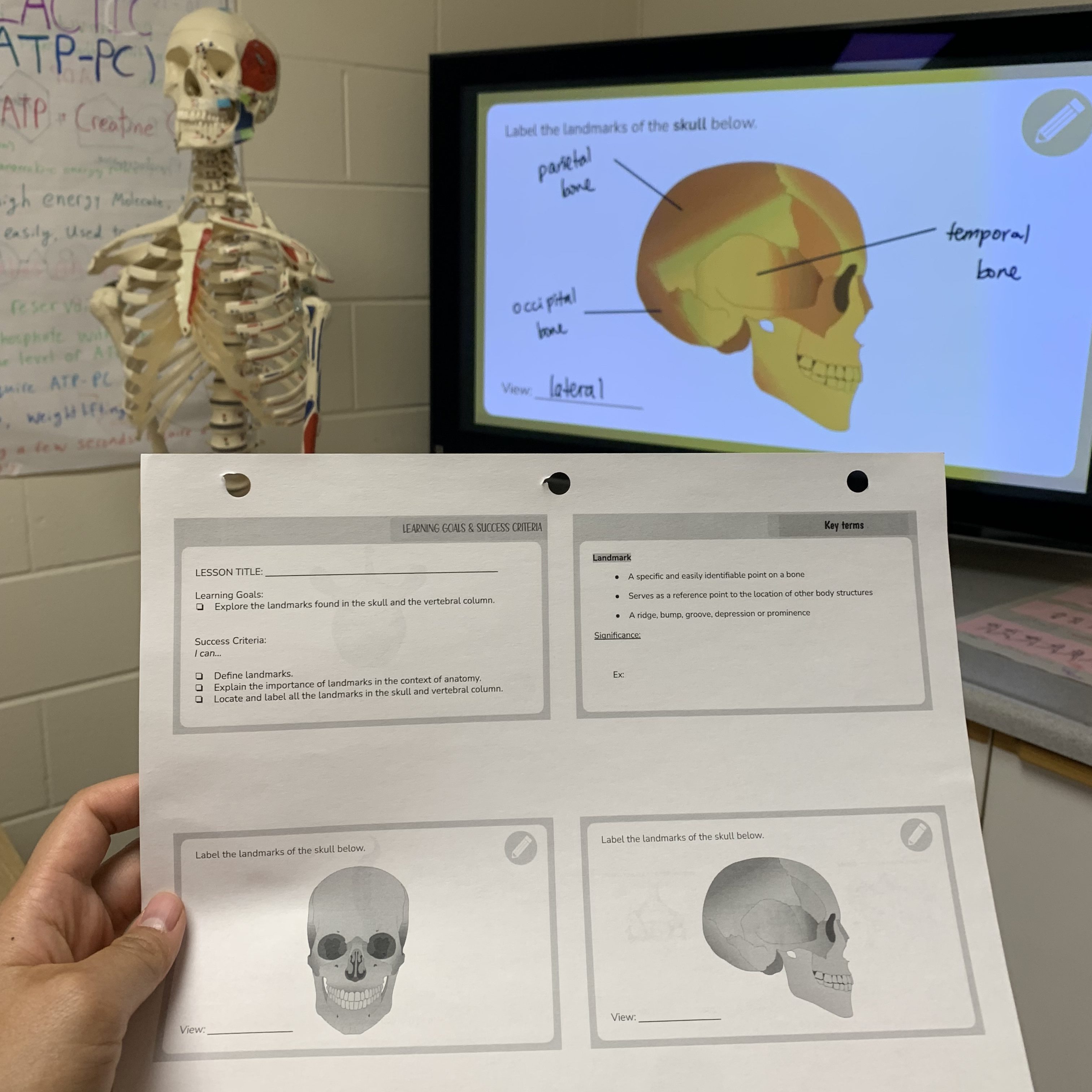
2️⃣ Annotate Together
Instead of handing out pre-filled notes or fill-in-the-blank worksheets, we annotate as a class. Students stay engaged because they’re actively processing the material instead of passively copying.
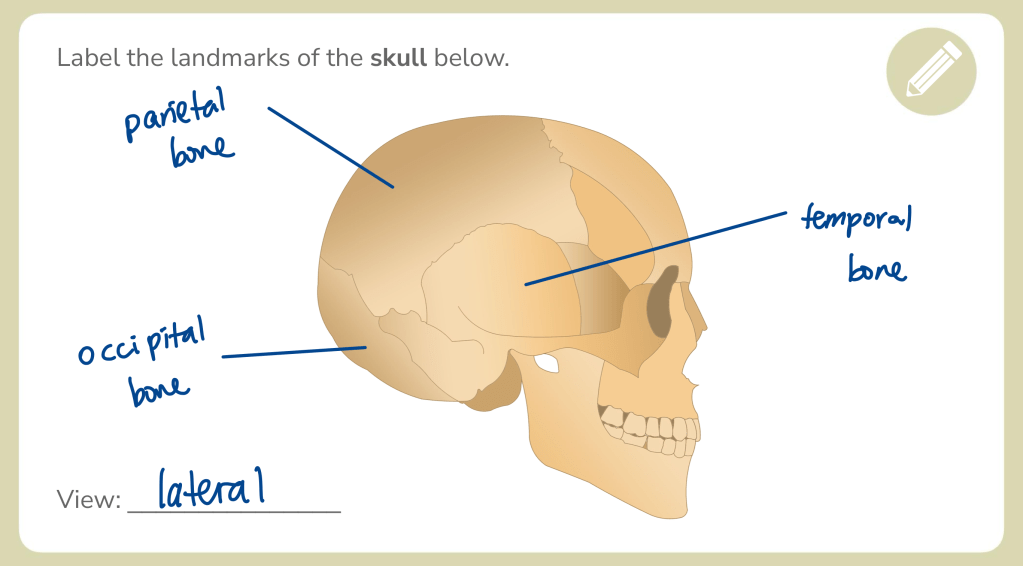
3️⃣ Review & Reflect
Sometimes, I give students a slide without guidance to test their skills. We then review and refine their annotations together to make sure they’re on the right track.
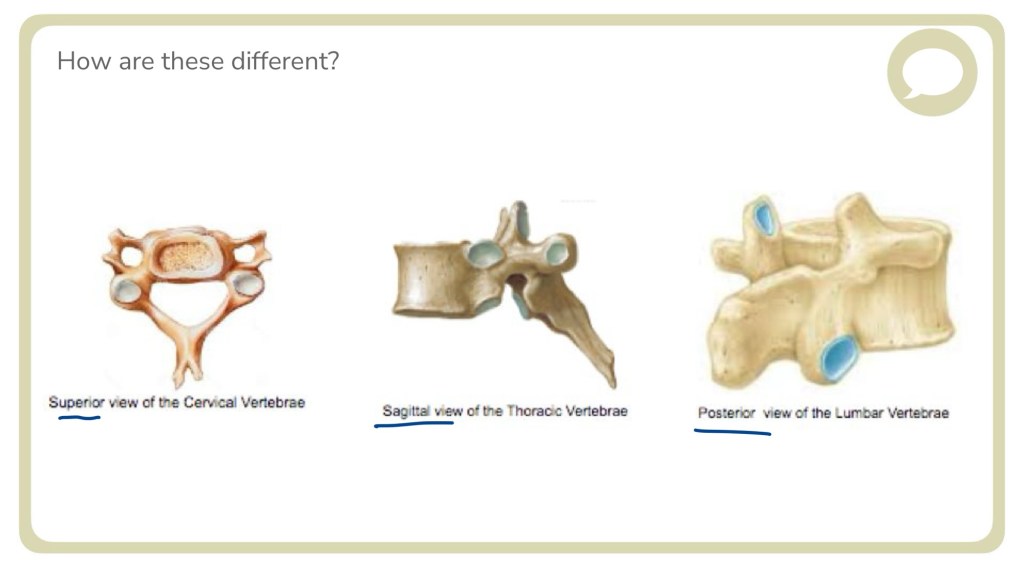
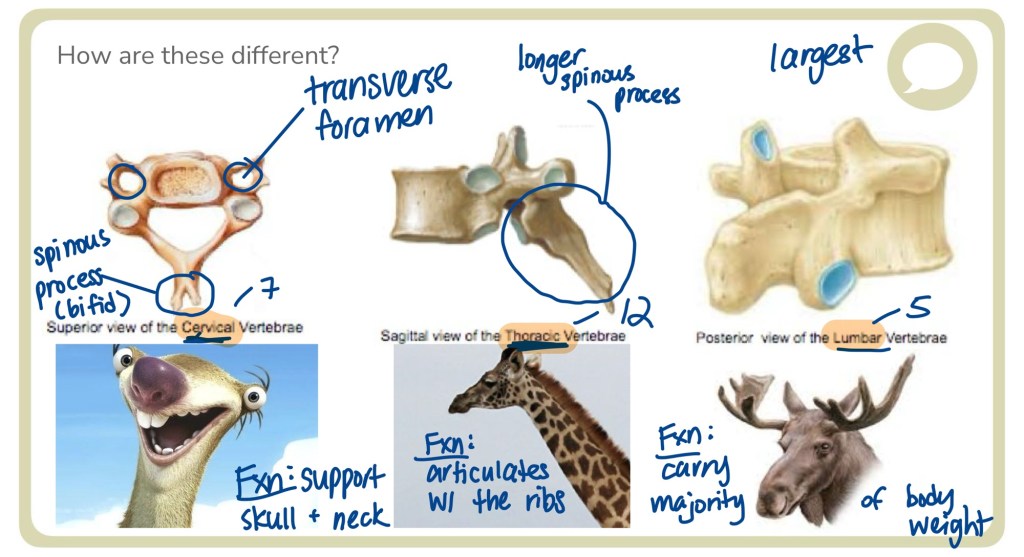
4️⃣ Independent Application
By the end of the year, students are annotating independently—whether they’re creating study guides or preparing presentations, they’ve mastered how to organize and summarize information effectively.
why it’s student-centred?
I know what you’re thinking: “But isn’t this just lecture-heavy teaching?”
Trust me—it’s not.
Annotation is one of the most student-centered strategies I use.
Here’s why:
🎯 It gives students ownership over their learning.
🎯 It teaches them to reflect, summarize, and organize—skills they’ll need long after high school.
🎯 It builds confidence and independence in the classroom.
how to make annotation work in your classroom
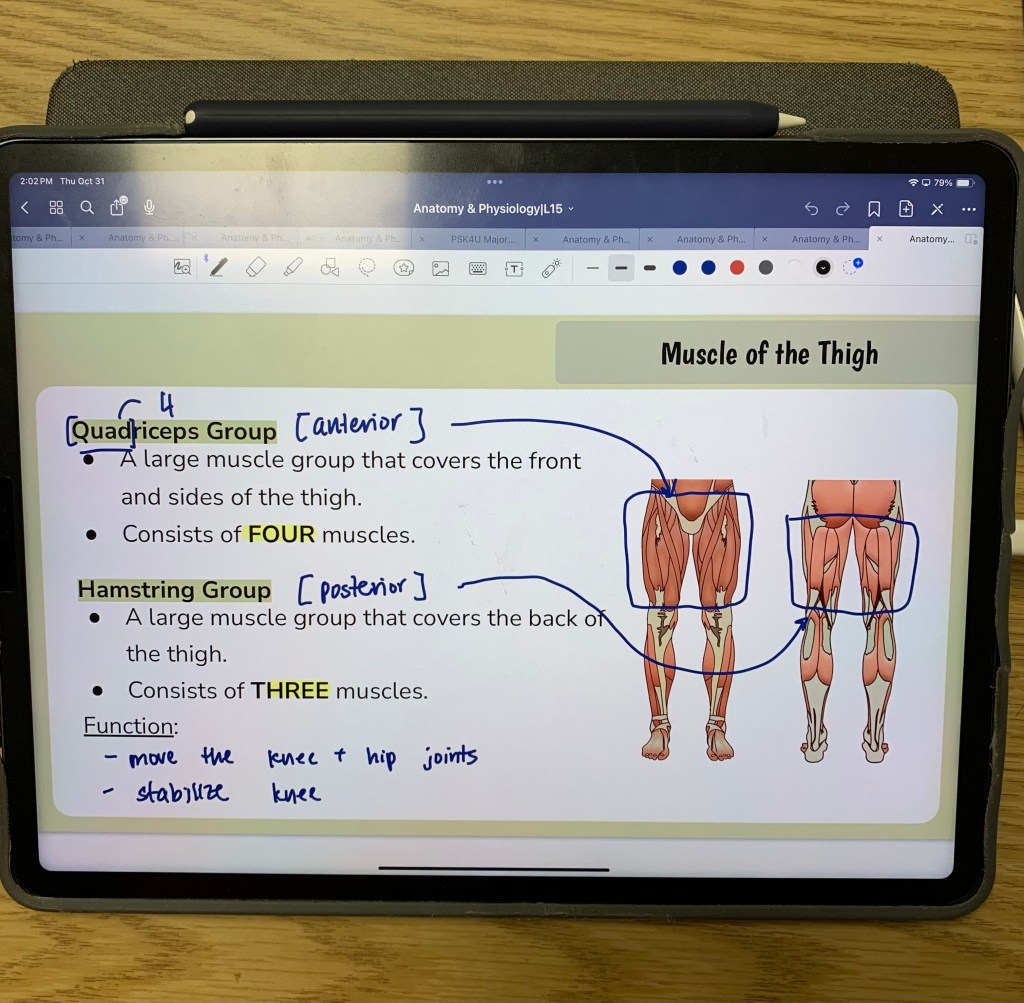
I know not every teacher has the luxury of an iPad (it’s the best tool I have ever invested – seriously, at this point Apple should really pay me for sponsorship) – but the great thing about annotation is you can do it with almost any tech setup!
Here are a few options to try:
- Smart Board: If available in your classroom, it’s a useful tool for live annotation. Students can see how you underline, highlight, or take notes, helping them grasp the important points.
- Screen Projection with a Whiteboard: If you’re working with a projector, project your slides onto the board, and then add your notes directly onto the screen with dry-erase markers. This setup works well if you want a larger, more visual approach to modeling note-taking.
- Document Camera: This is another easy-to-use tool where you can annotate on paper that’s visible to everyone. It’s a bit more “analog,” but the concept is the same, and it’s great for showing handwritten notes.
what my students say
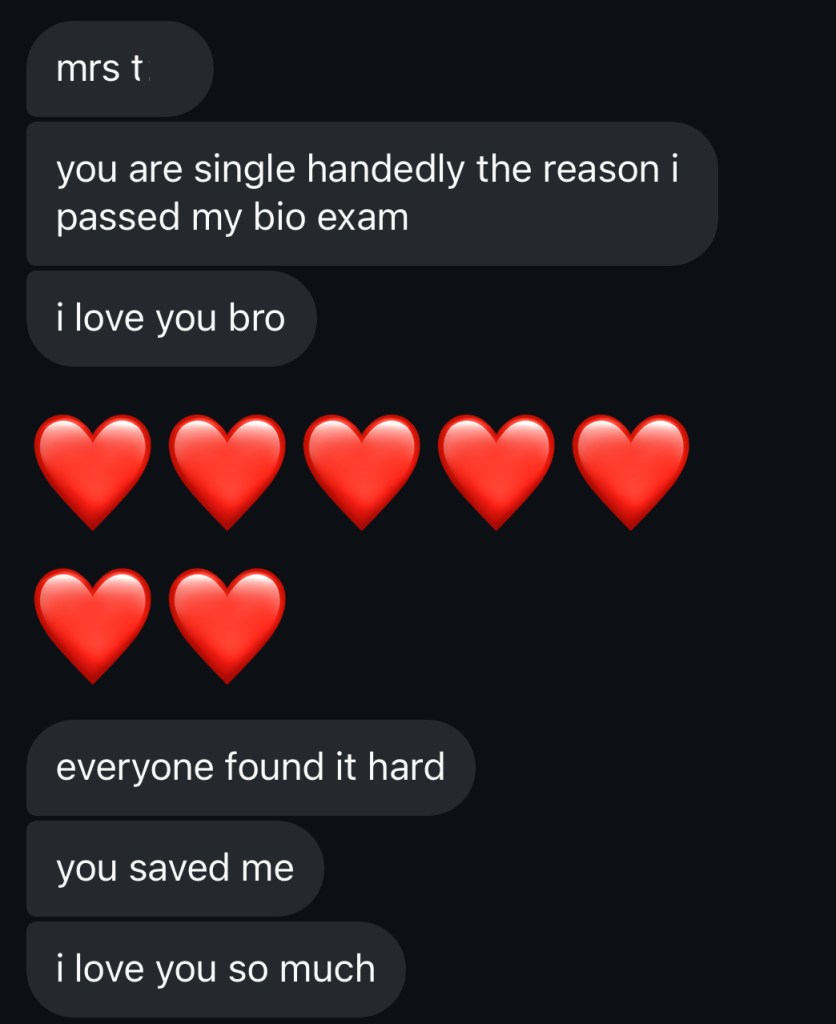
Here’s what my students have shared:
💬 “When my professor sped through slides in university, I didn’t panic. I knew how to find the key points, thanks to annotation!”
💬 “Annotation helped me create study guides for my exams. I don’t think I could’ve made it through university without it.”
This strategy doesn’t just prepare students for exams—it gives them the tools they’ll need for lifelong success.
It’s about teaching them how to learn
In university and college, students are expected to listen, sift through information, and take effective notes independently. Annotation in high school is essentially “practice” for this higher-level skill.
By watching me annotate and following along, they’re learning to think beyond what’s just “on the slide.”
They’re understanding the context, drawing connections, and seeing the full picture.
When they arrive at their first college lecture with hundreds of students all furiously taking notes, they won’t be overwhelmed – they’ll know how to enrich their notes with just the right details.
ready to give annotation a try?
If you’re ready to shake up your classroom and help your students build a skill they’ll thank you for later, give annotation a try. Whether you’re working with an iPad, a smart board, or just good old-fashioned paper and pen, modelling annotation can make a world of difference.
Trust me – it’s worth it when they come back to say, “I felt prepared!”
have you tried annotation or something similar?
I’d love to hear your thoughts and experiences!
Drop a comment below – we’re all learning together!
Blessings,
Mrs. T


 Teach to Serve
Leave a reply to Mrs. T Cancel reply